Prompts stay private
Prompt and response text is never stored, only metadata. Account tokens are encrypted at rest.
OPEN SOURCE · MIT · SELF-HOSTABLE
TokenHub is an open-source gateway for your team's AI accounts. Connect them once, give each person their own key and spend limit, and see every request, without sharing a single password or token.
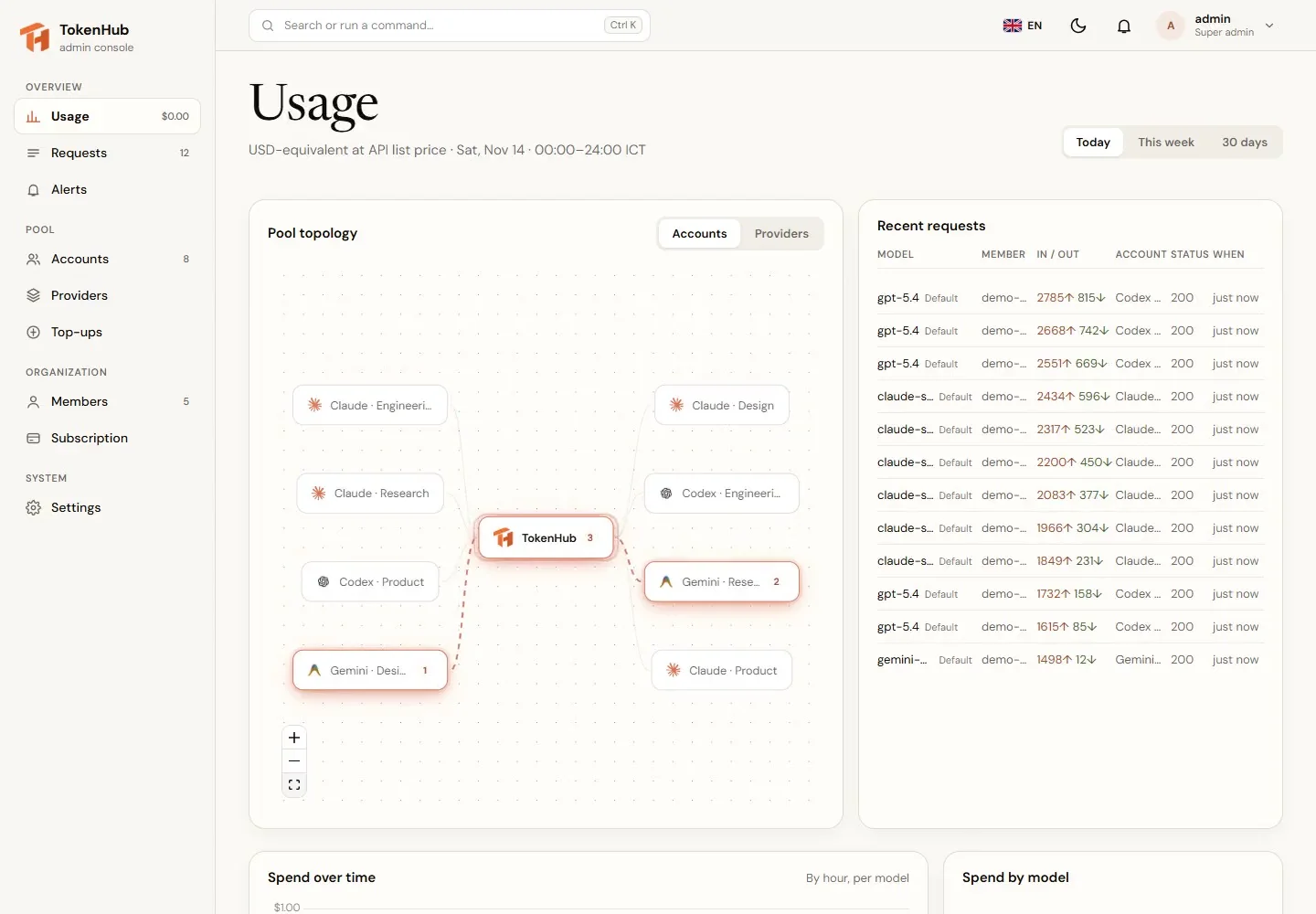
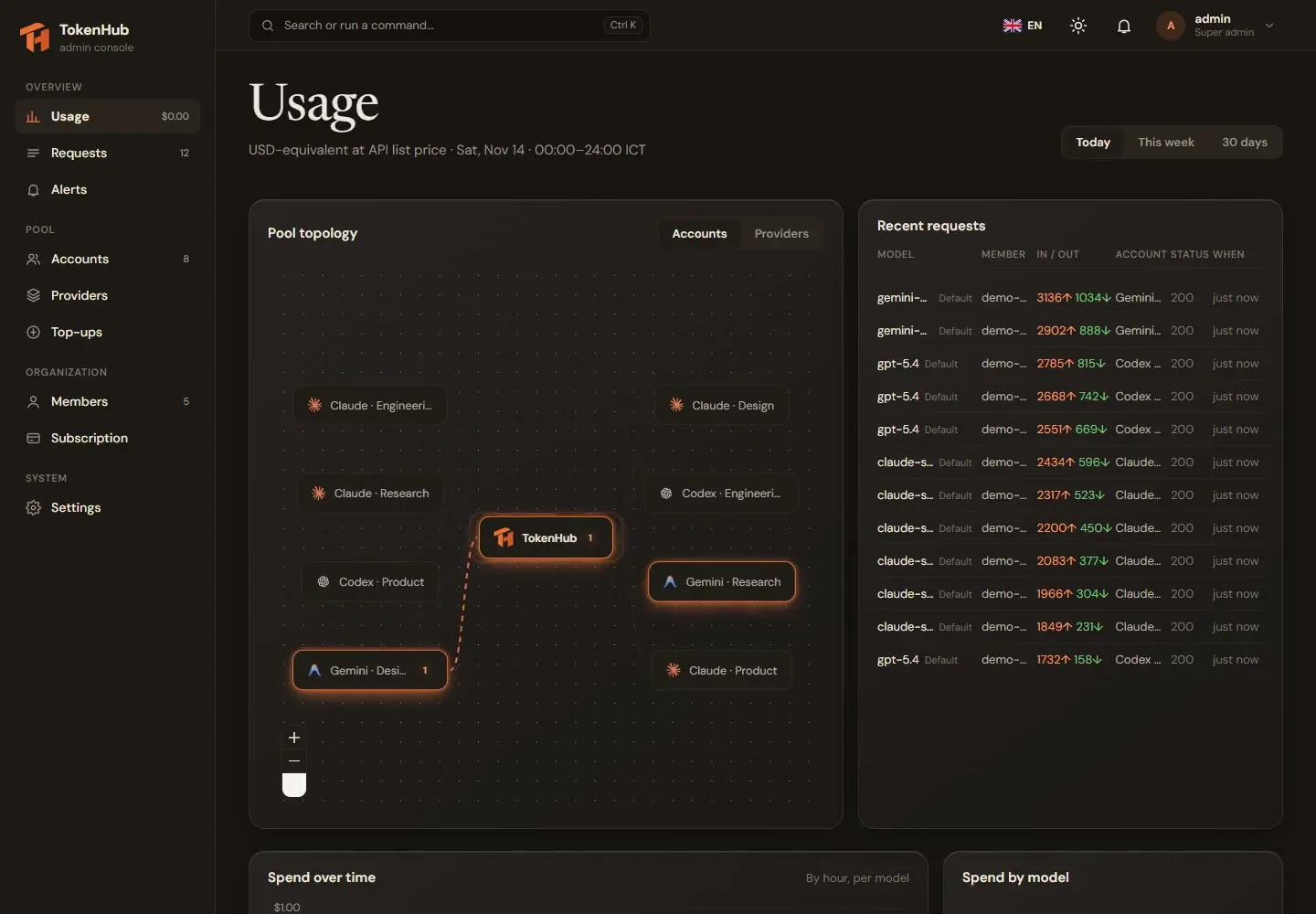
Give people access, set limits and see where the money goes, all from one console.
Prompt and response text is never stored, only metadata. Account tokens are encrypted at rest.
Daily and weekly budgets per member, priced at list rates in USD.
Who used which model, how many tokens, and what it cost.
Limit each member to certain models or accounts.
Its own address, accounts and members. Nothing is shared between workspaces.
When one account hits its limit, the next healthy one takes the request.
An admin connects Claude subscriptions, API keys or other providers in the console.
Each member signs in and pairs their device with one command.
Claude Code and Claude Desktop run as normal. Usage shows up in the console.
CONNECT IN ONE COMMAND
Run one command, confirm the code in your browser, and keep using the app you know.
tokenhub connecttokenhub desktopPOST /v1/messagesReplace <workspace> with your team's workspace name. Don't know it? Ask your admin. Needs Node.js 18+. Your admin turns on device pairing.
# Claude Code
$ npx @emesoft/tokenhub@latest connect <workspace># Claude Desktop
$ npx @emesoft/tokenhub@latest desktop <workspace># Confirm the code in your browser, then start working
$ claudeMix subscriptions and API keys in one workspace. TokenHub spreads requests across them.
Claude Pro/Max subscriptions or API keys.
OAuth / API key
ChatGPT/Codex subscriptions, translated to serve Claude requests.
OAuthAPI keys, Anthropic-compatible.
API keyAny Anthropic-compatible endpoint.
Messages APIProvider names show compatibility only. TokenHub is not affiliated with Anthropic, OpenAI or DeepSeek.
| Device | Access |
|---|---|
| Work laptop | Active |
| Old desktop | Revoked |
One device revoked. The other stays connected.
ONE KEY PER DEVICE
Every laptop and desktop gets its own key. When a device is lost or someone leaves, revoke that key. Everyone else keeps working.
OPEN SOURCE · MIT
Your accounts, keys and logs stay on your own server. No third party in the middle.
# Get the code
$ git clone https://github.com/chuongnd2612/tokenhub.git$ cd tokenhub && npm install# Set TOKEN_ENCRYPTION_KEY and the admin login
$ cp .env.example .env# Start, then open /platform
$ npm run build && npm start
Personal keys, spend limits and clear usage for Claude Code and Claude Desktop.